Organizing Transitions
Losing track of time or getting stuck on a task can prevent a worker from completing their responsibilities efficiently. Some students may struggle with making transitions from one activity to another, taking too much time or requiring significant prompting from a supervisor or coworker. Instructors should help students identify times when transitions are particularly hard, and work with them to implement strategies to ease the transition and build better time management skills. Some students will benefit from specific accommodations, such as receiving extra notice before transitions or reduced distractions when moving from one task to another. Schedules are also useful to give a graphic overview of upcoming transitions so that the student can plan their time accordingly. Learning to manage transitions throughout the day will set the student up for success in more complicated time management skills such as setting priorities and meeting deadlines.
Teaching Ideas
Click on the icons below for detailed information on how to teach this skill.





 Guiding Questions
- What is the student’s sense of time? Does he lose track of time or does he under or over estimate how long something will take?
- What are all the transitions that are expected of the student in each specific environment?
- How can I set up transitions to reduce distractions (and distance) and to increase the speed of specific transitions?
- How can I set up visual supports around transitions so that the student self-monitors to make quick and efficient transitions?
- When does the student need to use the visual supports? Are cues, instructions and environmental features presented before a transition or will he use the support during movement between tasks?
- Do the visual supports help the student either compensate for or understand the concept of ‘quick transition’?
Visual Supports
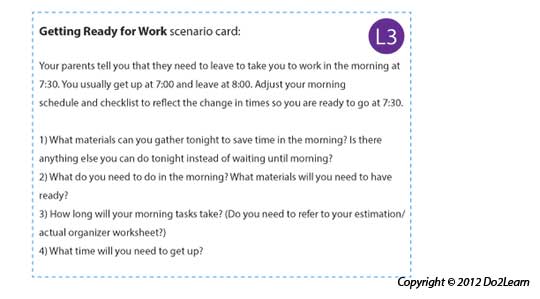
Communication systems and scripts provide the student with a means to initiate communication. Use these cards to practice different scenarios with your students.
|
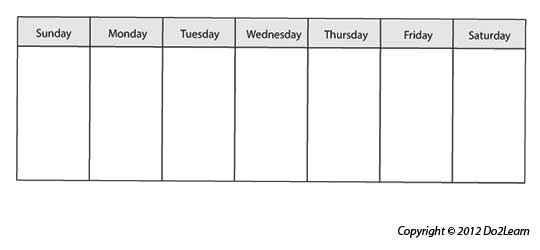
Schedules are visual supports that organize the school or work day and tell the student where he will go that day. Schedules help focus attention on the sequence of places and events.
|
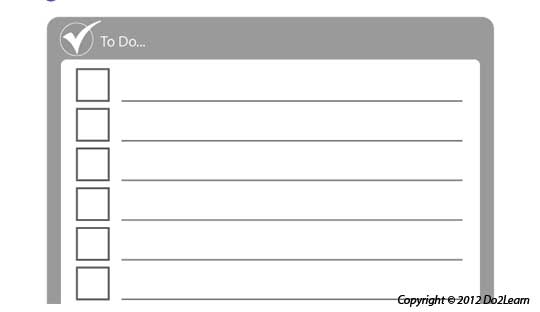
The to-do list (also referred to as a "work system"or "activity system") visually clarifies a series of activities that a student is to do.
|
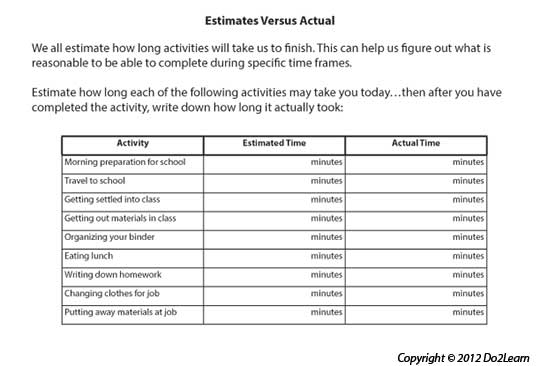
Graphic organizers can provide a student with a way to represent and organize concepts, thoughts, feelings, behaviors, and potential outcomes.
|
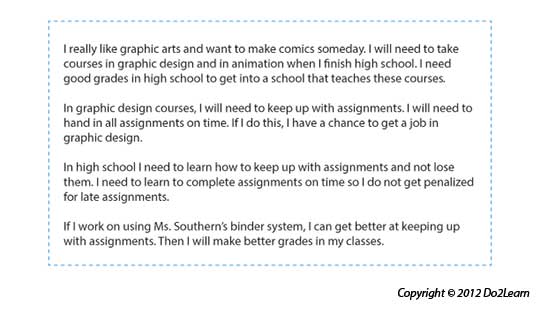
Social narratives are a set of tools that visually represent social situations and appropriate social behaviors. The social narrative connects the important details of a setting or social situation to support the student in understanding the social context and in developing a new social skill.
|
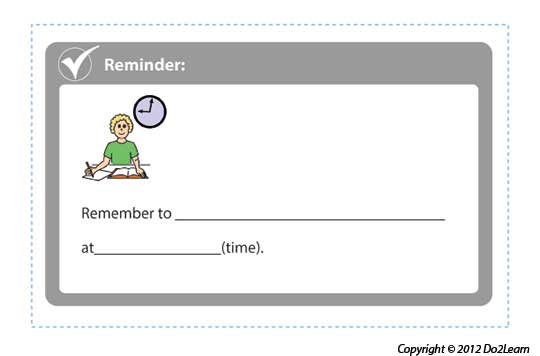
Visual Cues are learning materials that students can keep with them to help guide them through real life situations.
|
|
Video modeling involves the use of video recording as a teaching tool. It involves a student watching a video of the appropriate performance of a task (expected behavior) prior to practicing or potentially using the skill in natural settings.
|

Does the design of space and furniture help the student focus on the tasks and behaviors expected in the setting?
Note that the second step may involve putting things away (cleaning up, turning in work, restoring tools and materials in the proper spots). Your space and furniture may provide cues that assist the student in focusing on this process of ‘putting things away.’ Design that supports focus is key.
Does the environmental design address student issues with proximity to others or even distractibility that may reduce performance (working close to others may set up too much interaction)?
If the student is highly distracted by the actions or presence of others, you can reduce proximity while providing the structure and visual supports so that the student succeeds in independent transition. Moving the student’s work space may be a key in getting initial success.
Is the space designed to support independent movement both within and between tasks?
Assess the distance traveled in transitions. Also assess the path that the student uses in making the transition. Longer distances can mean more distractions and a reduced likelihood of success in ‘quick transition’ during movement.
For example, if a student struggles to move between classes during the given time frame, could his schedule be set up so classes are grouped in a smaller footprint of the building so he does not have to travel so far between classes? If this is not achievable, he could be afforded the accommodation of 2 minute early release, so that he can transition before the hallways fill with hundreds of students.
It may be necessary to move materials for specific tasks to the vicinity closer to his workspace or move his workspace closer to materials to eliminate multiple transitions. You could provide a cart or storage bin labeled with all materials needed for the task. The student might then use a list (visual instructions) to obtain all materials at once and transport them to his work area to assist in completing tasks in a more time efficient manner.
The student may require a clock or timer near his work space to gain a better sense of when he needs to move to a different area.
|